Reference
Settings reference
Every section and control in Settings, what it does and where it is saved.
Open Settings from the sidebar (or g then s). It is one scrolling page with anchored sections: a side list follows the section in view from 900 pixels wide, and a row of pill links does the same on narrower screens. Each section has its own address, for example /settings#calendar.
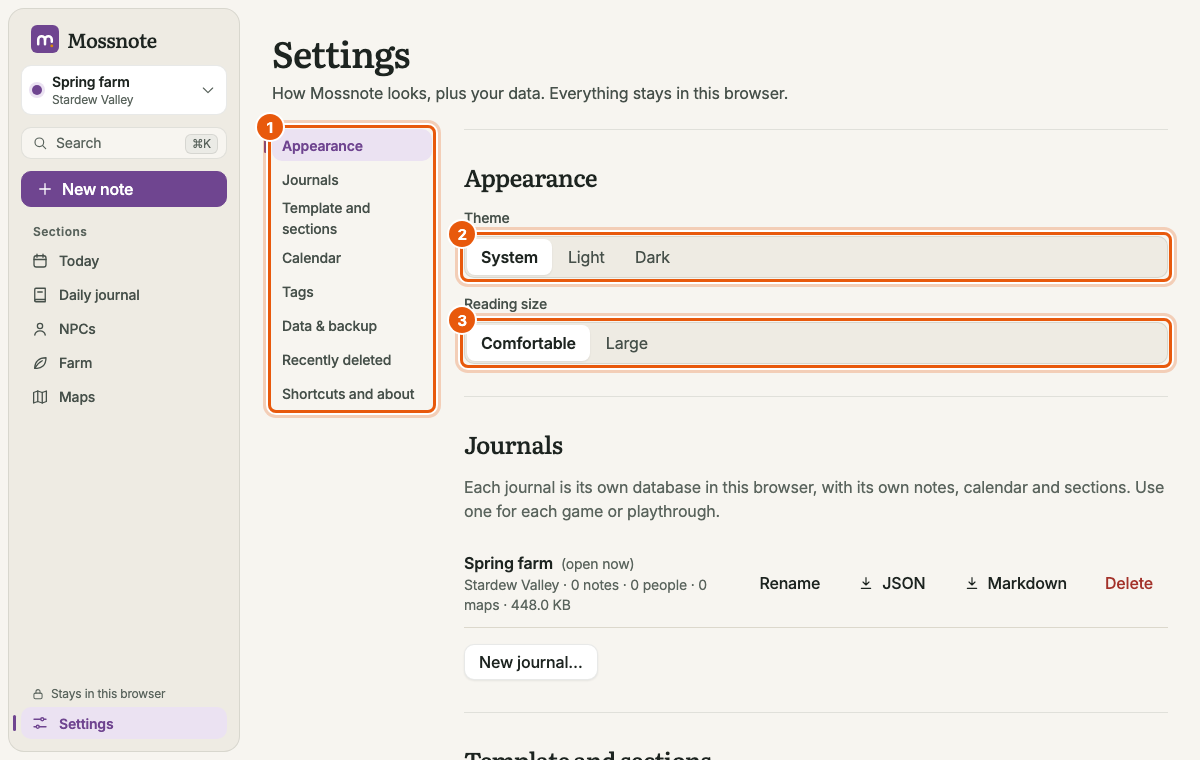
Appearance#
| Control | Choices | Saved |
|---|---|---|
| Theme | System (follow the device), Light, Dark | In this browser |
| Reading size | Comfortable, Large (bigger note text) | With the journal's settings, and remembered in this browser so it shows at once |
If the reading size cannot be saved, it is undone and a message says so.
Journals#
Lists every journal with Open, Rename, JSON, Markdown and Delete, plus New journal…. Full details: Journals.
Template and sections#
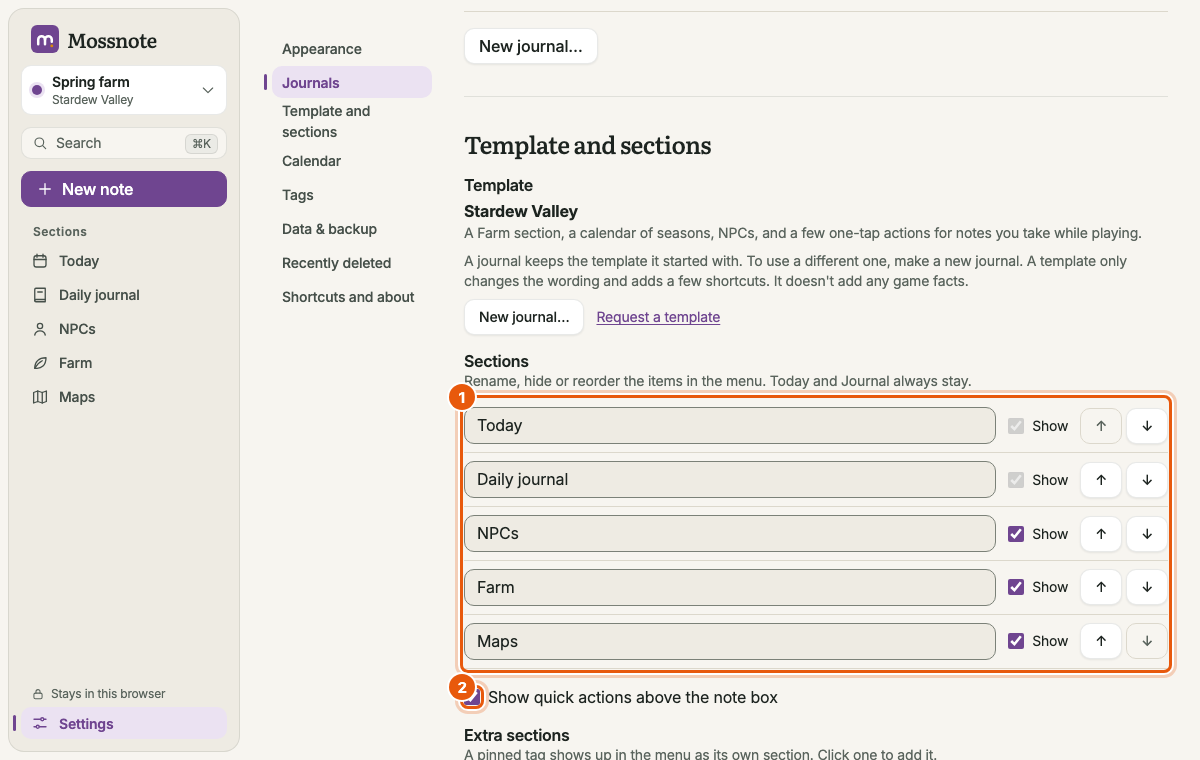
- Template. Shows the name and description of this journal's template. It cannot be changed here; make a new journal for another one. New journal… and Request a template are here too.
- Sections. One row per section. Edit the name (up to 30 characters; it saves when you press Enter or click away; emptying it restores the template's name). Untick Show to hide a section from the menus (Today and Journal cannot be hidden). Use ↑ and ↓ to reorder.
- Show quick actions above the note box. Appears only for templates that have quick actions (Stardew Valley).
- Extra sections. Buttons such as Add “tasks” create a suggested tag and pin it. A pinned tag appears in the sidebar as a shortcut.
- Reset sections to the template's defaults. Undoes your names, hiding, order and quick-action choice.
Hiding a section only removes it from navigation. Its records are still there, and hidden pages still open by address.
Calendar#
Editable seasons for the Stardew Valley template; a note that days are just counted for the Default template. See Editing the calendar.
Tags#
Rename, pin, merge and delete tags, with a count of their uses. See Managing tags.
Phone (computer version only)#
The switch for phone access, the pairing code and the paired-devices list. See Phone access. This section does not exist in the web version.
Data & backup#
Where the journal is stored, record counts, Export JSON, Export Markdown, Import JSON, Back up now, the web version's storage protection and the snapshot list. See Data and backups.
Recently deleted#
Notes, people, farm entries and maps deleted in the last 30 days, with Restore and Delete forever. See Recently deleted.
Shortcuts and about#
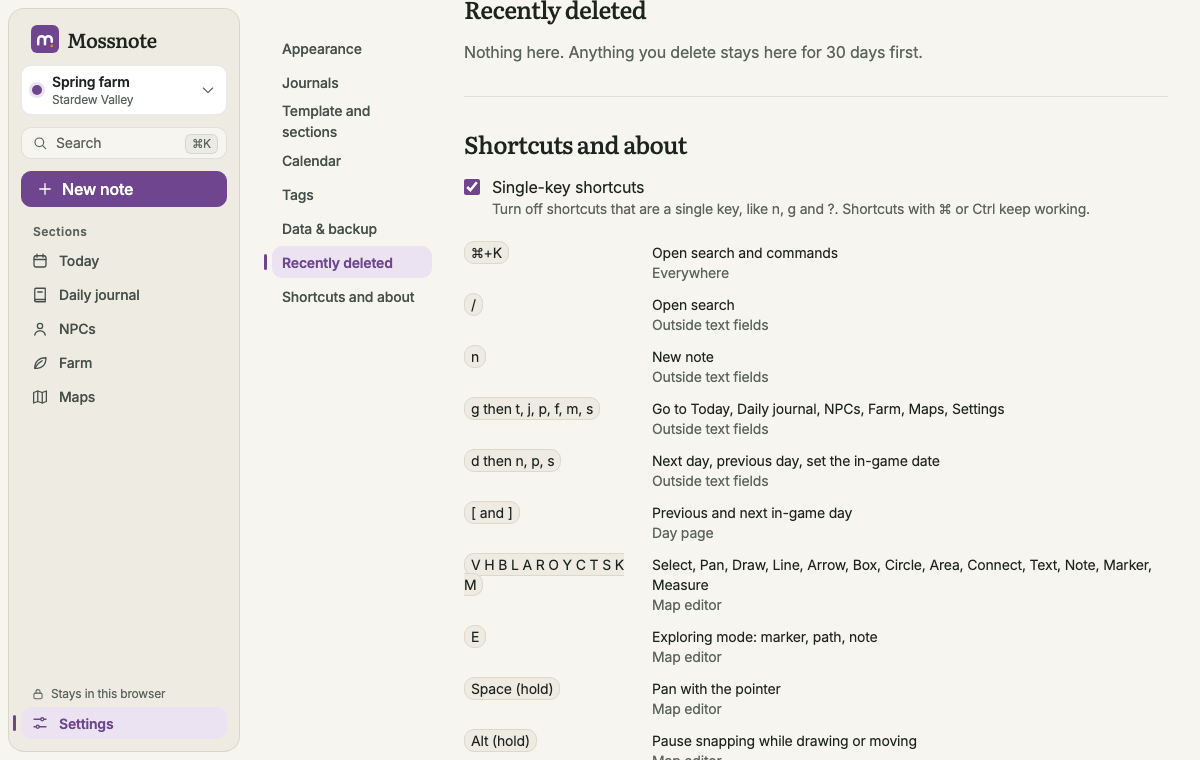
- Single-key shortcuts. Turn off shortcuts that are one key (n, g, ?…). See Keyboard shortcuts.
- The shortcuts list. The same list as ? shows.
- Version, Data folder (or Stored in: This browser, on this device for the web version) and Licence (MIT).
- Privacy. Plain statements of what Mossnote does and does not do with your data.
Where each setting is kept#
| Setting | Kept |
|---|---|
| Calendar, sections, quick actions, marker types, reading size, the "hide this tip" choice | In the journal (so they travel in an export and differ per journal) |
| Theme, single-key shortcuts, map View choices and the style for new map drawings | In the browser (the same for every journal, not exported) |
The journal's settings are written into Export JSON and restored by an import. See Export format.