Everyday use
Search
Find notes, people, farm entries, maps and tags with typo-tolerant search and filters such as is:question and #tag.
Search looks through your notes, people, farm entries (Stardew Valley), maps and their markers, and tags. It forgives typos and understands a few filters. It runs entirely on your own device.
Opening search#
- Choose the Search field in the sidebar (or the search button on a phone or tablet).
- Press ⌘K (CtrlK on Windows and Linux) or / when the cursor is not in a text box. ⌘K also works while you are typing in the note box; / does not.
The search window#
With nothing typed, the window lists commands: New note, Go to Today / Journal / People / Maps / Settings, Set in-game date, Next day, Previous day, and journal commands. Each shows its keyboard shortcut. Type to filter them.
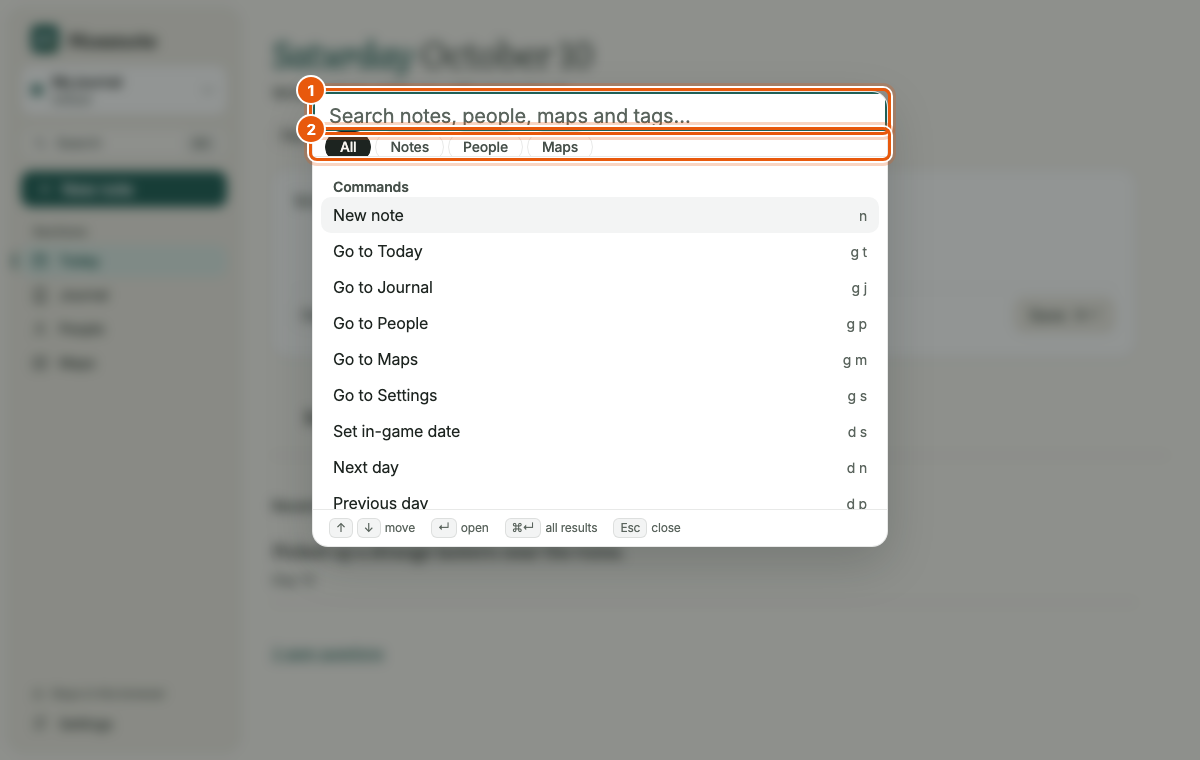
Type a word and results appear in groups: notes, people, farm entries, maps and tags, a few per group. Move with ↑ and ↓, open with Enter, or press ⌘Enter to open the full results page. Esc closes it. The tabs under the field narrow the results. They use your template's words: All, Notes, People, Maps in the Default template, and All, Notes, NPCs, Crops, Maps in Stardew Valley.
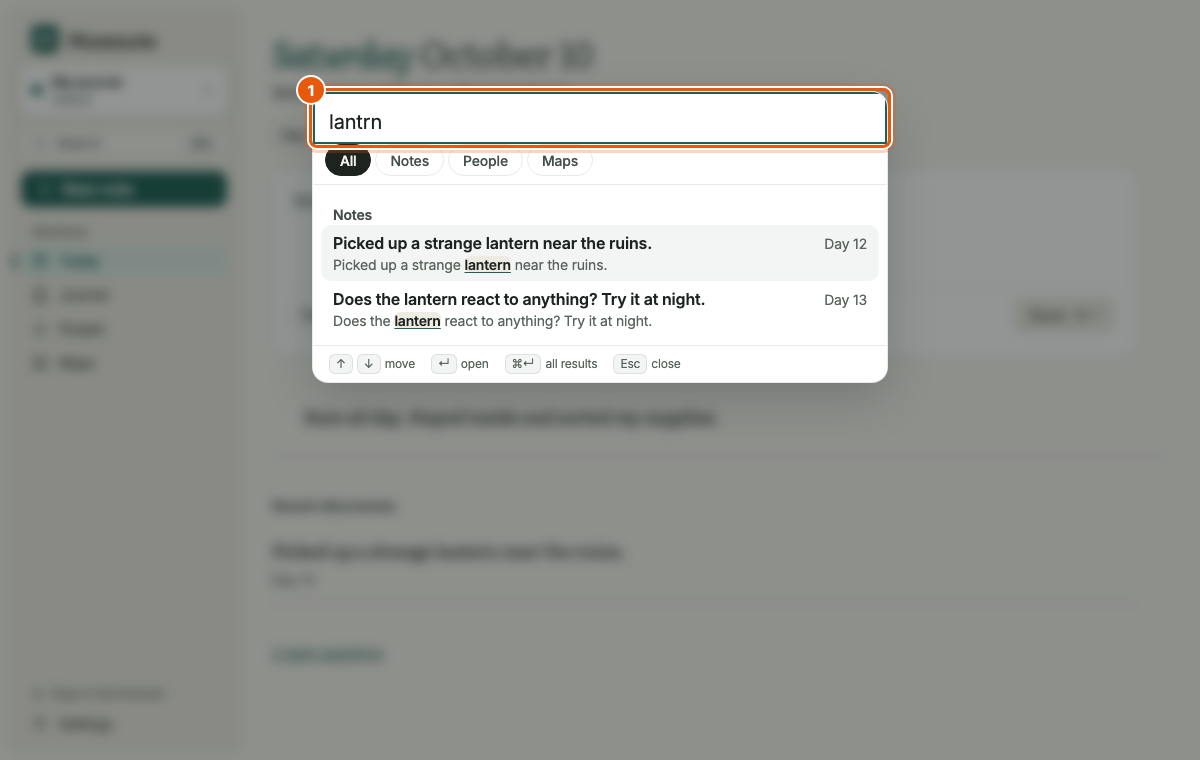
lantrn finds lantern.is:question and #lead filters.The results page#
The results page (/search?q=…) shows everything that matches, with the search field at the top. Words and filters Mossnote recognised appear as small chips you can remove with their ×.
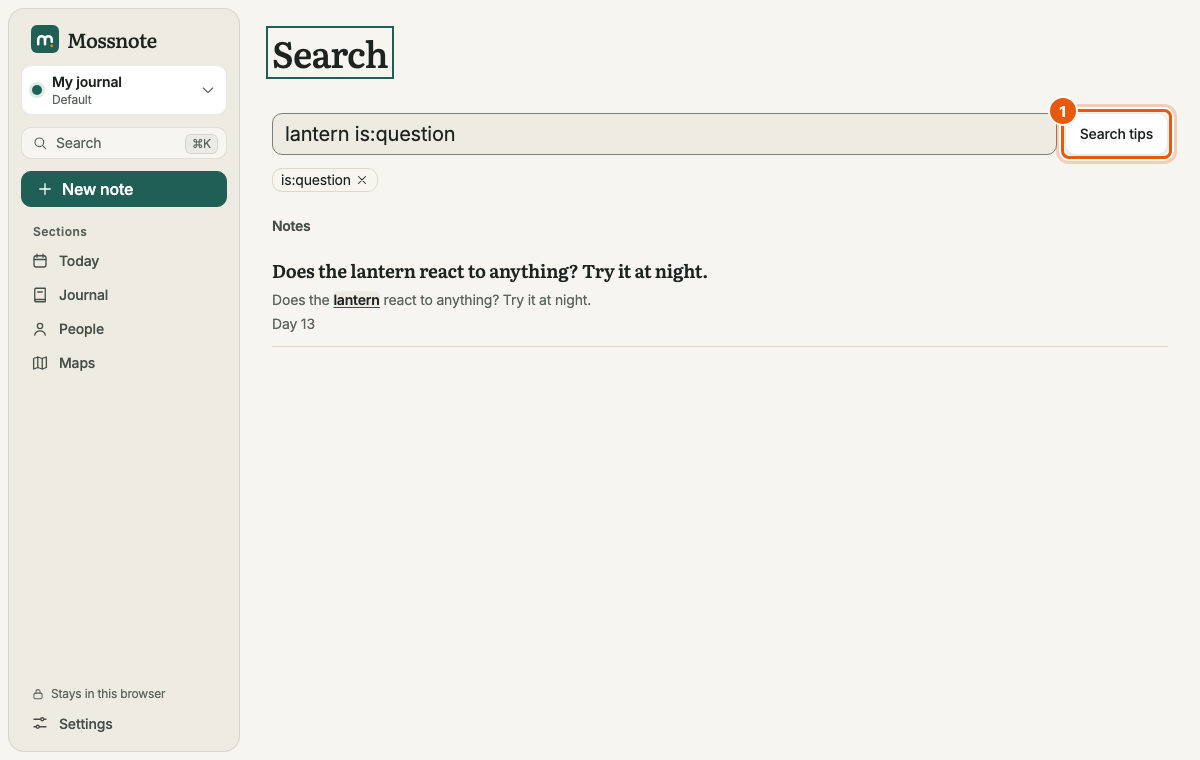
lantern is:question. (1) The tips button.The Search tips button lists the syntax with examples written for your journal's calendar.
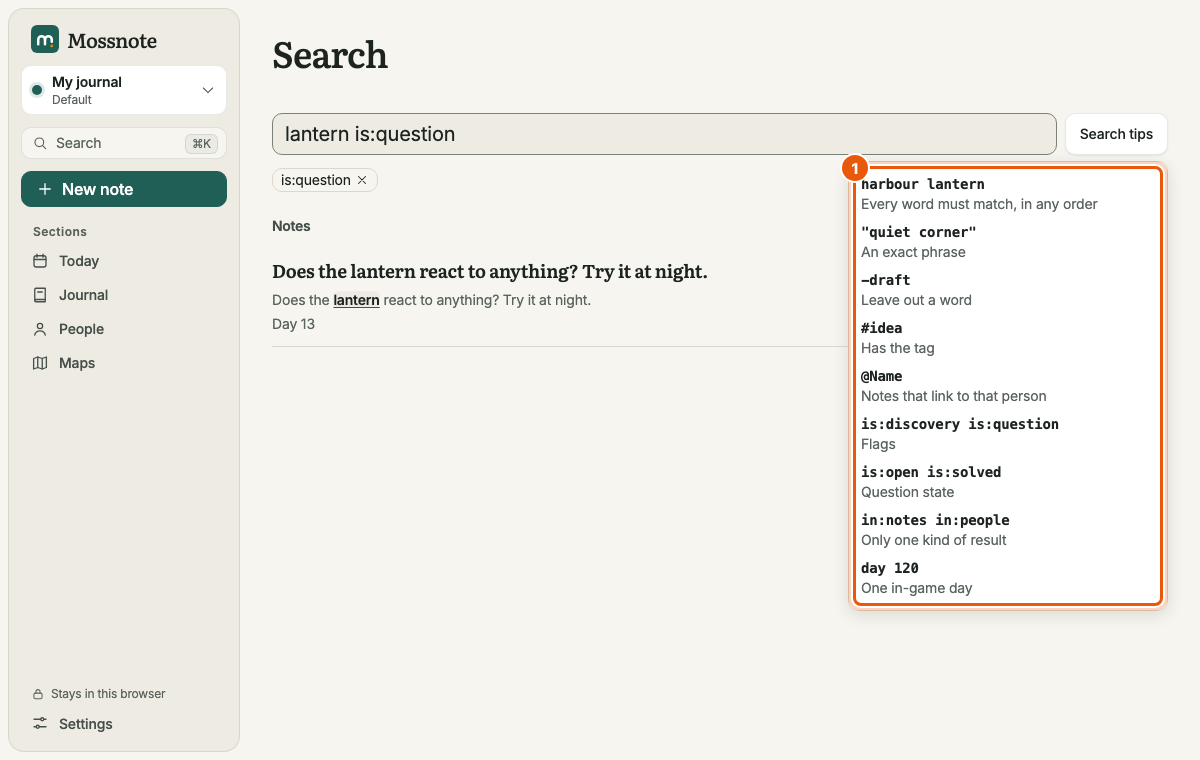
Search syntax#
| Type | It means |
|---|---|
lantern | Notes containing the word. Several words must all match. |
"blue door" | The exact phrase. |
route -shore | Contains route but not shore. A minus excludes a word or a quoted phrase. |
#lead | Has the tag lead. #"side quest" works for a tag typed with spaces. |
@Alex | Mentions the person. @"Old Tomas" for a name with spaces. |
is:discovery, is:question | Only discoveries, or only questions. |
is:open, is:solved | Only open, or only solved, questions. |
in:notes, in:people, in:farm | Only that kind of result. in:farm exists only in journals that have a Farm section. |
day 12 (Default) or spring 3, y2 summer, year 1 fall 12 (seasons) | Notes from that in-game date. With seasons, the day and the year are optional; a season name needs its first three letters if they are unique. |
A word followed by a colon that Mossnote does not know (foo:bar) is searched as ordinary text. A bare number is text too; it is not read as a day.
How matching works#
- Typos. A word can match similar words from your own notes. We confirmed that
lantrnfinds lantern andshrefinds shore. The exact tolerance depends on the word's length and on how common the similar word is in your journal. - Maps and markers match by their plain text: map names, marker names, notes and tags.
- Length. A query is limited to 200 characters.
- Search covers notes, people, farm entries (where the journal has them), maps and tags. An empty result says exactly that: No matches for ‘…’. Search covers notes, people, maps and tags.